
Shop
Laptops
Work, study and gaming laptops. Trade in the old one, upgrade to the new.
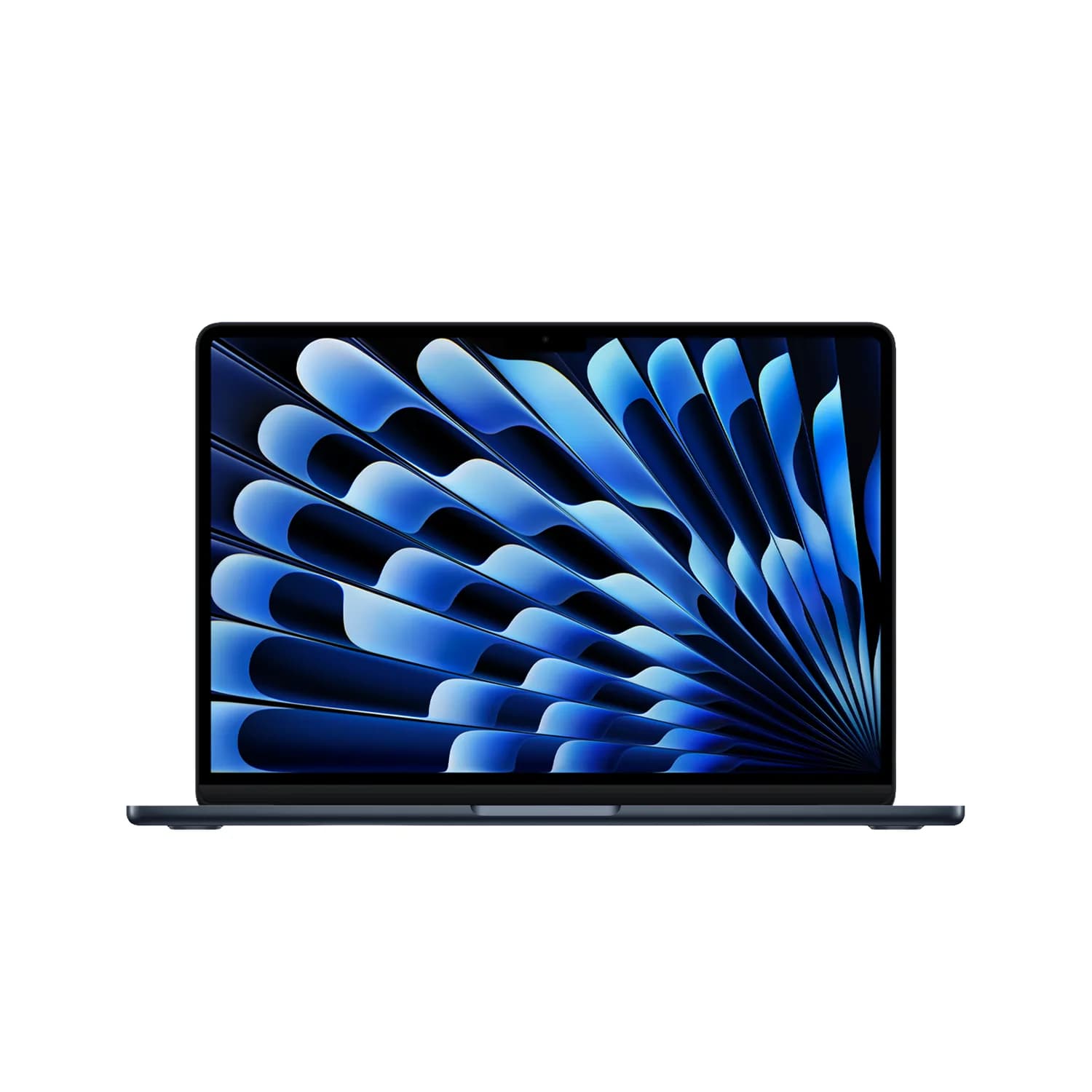
HP
4
Dell
3
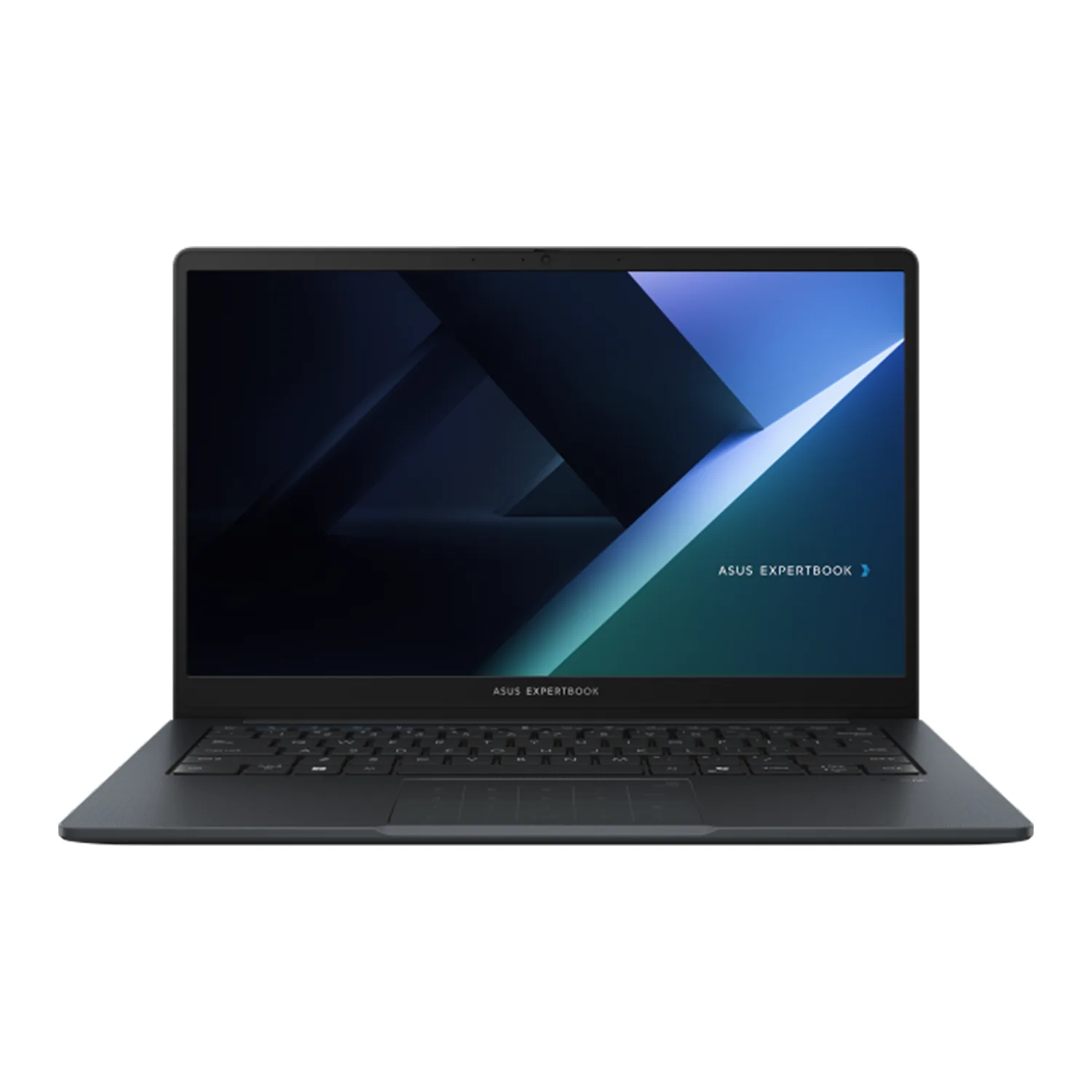
ASUS
2
Samsung
2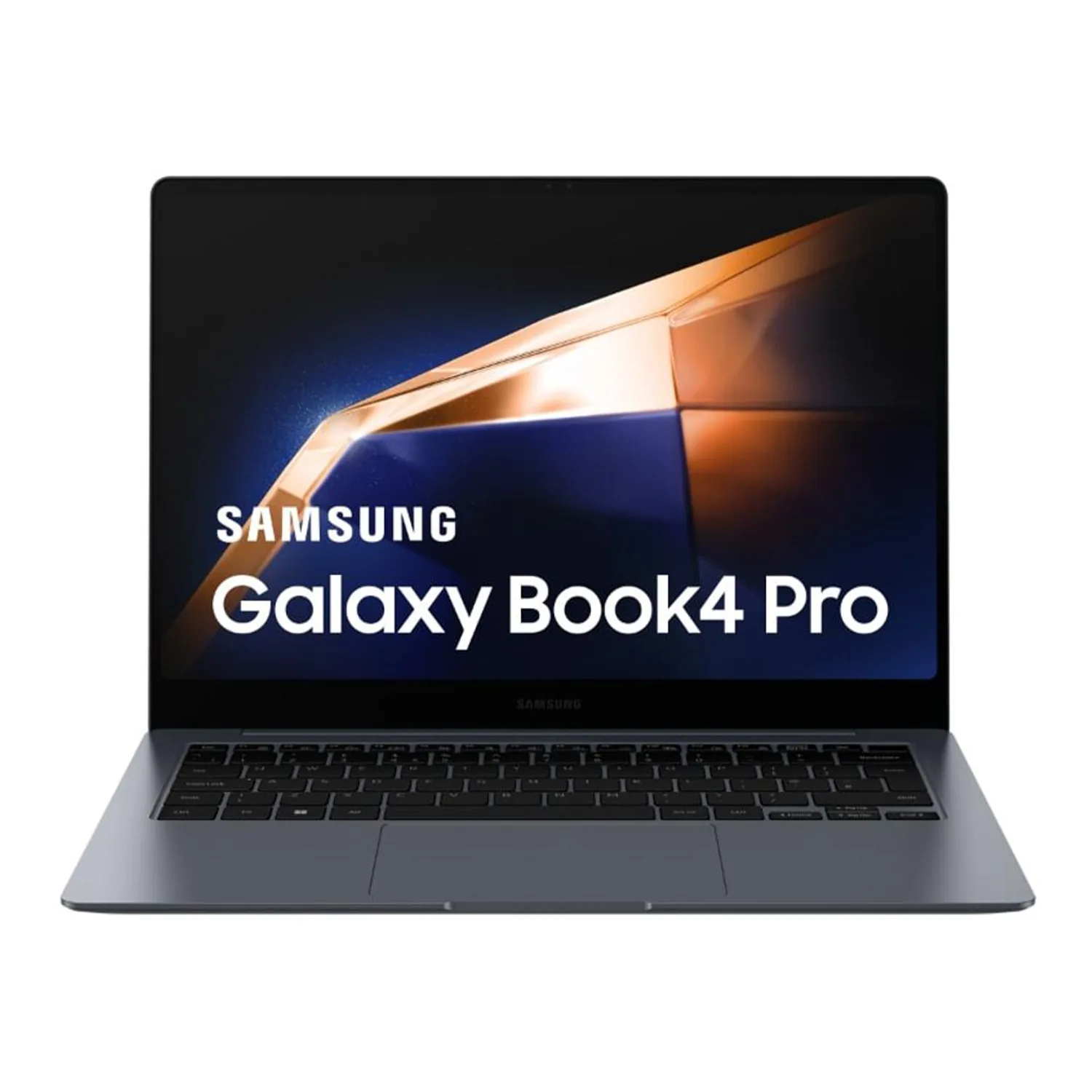
Apple MacBook Pro 16 (M5 Max) Laptop
The standout in this category right now. Trade up to it and your old device covers a real share of the price — an agent confirms the value at your door.
View the full spec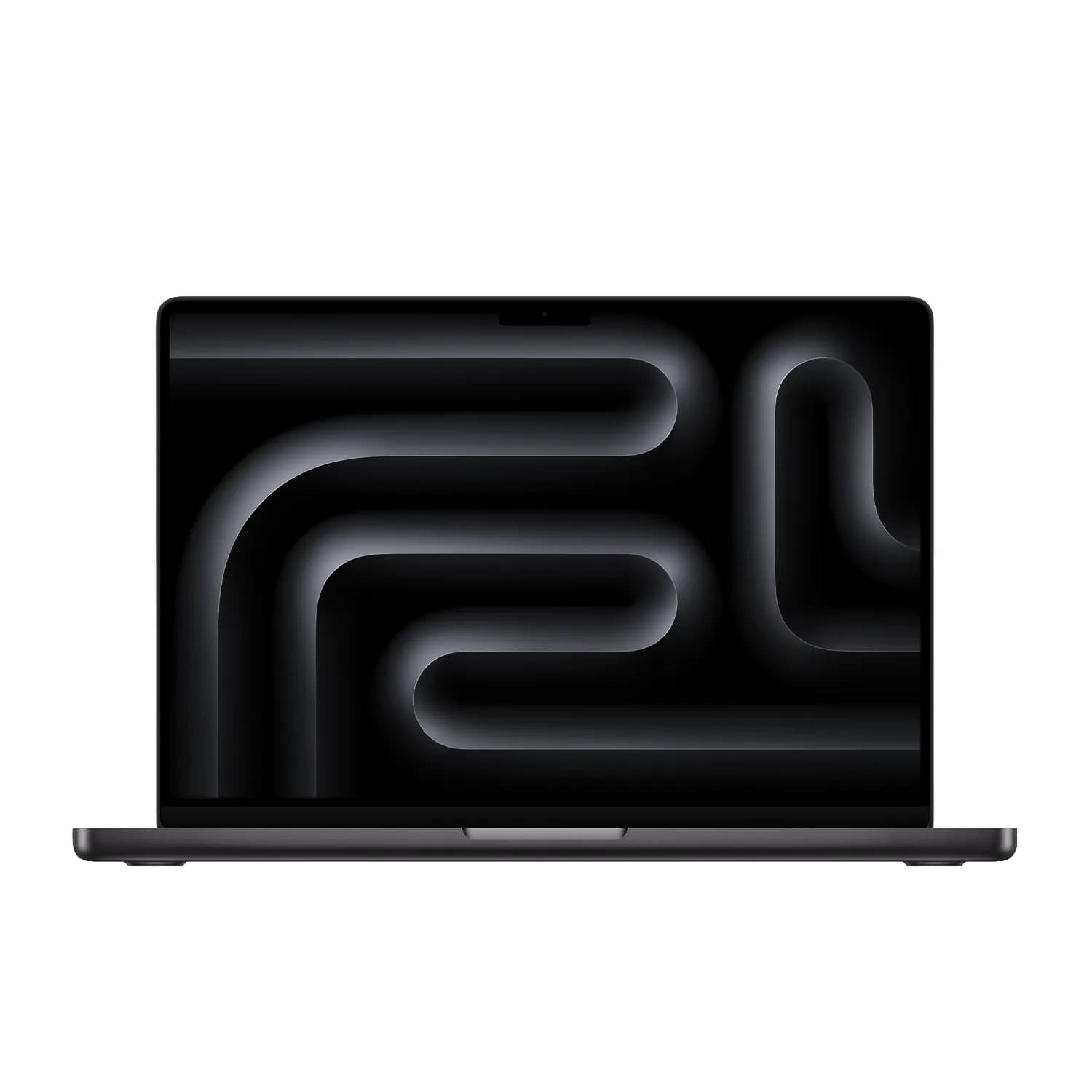
Top three, side by side
- DellAlienware 16 Area-51 (2026) Laptop
- Price
- ₹5,99,999
- Highlights
- 16in (40.64cm) QHD+/WQXGA (2560 x 1600) IPS with ComfortView Plus, 3ms response, 240Hz…
- MSIRaider 18 HX AI (2026) Laptop
- Price
- ₹5,29,990
- Highlights
- 18in UHD+ (3840x2400) Mini LED IPS-Level, VESA DisplayHDR 1000, 100% DCI-P3 typical
- AppleMacBook Pro 16 (M5 Max) Laptop
- Price
- ₹5,10,900
- Highlights
- 16.2in Liquid Retina XDR, mini-LED backlit, 3456 x 2234 at 254 ppi
How to choose a laptop
Match the laptop to the work
Students and office work: documents, browsers with many tabs, video calls and spreadsheets. Prioritise a comfortable keyboard, a screen with good brightness, all-day battery life and a weight you will carry daily. A current mid-range processor is plenty.
Creators: photo and video editing, design and music production. Look for a colour-accurate screen (check sRGB or DCI-P3 coverage in the specs), more memory, a fast SSD with room for project files, and enough ports or a reliable dock for drives and card readers.
Gaming and 3D work: the dedicated graphics card matters most, followed by cooling. Two laptops with the same GPU can perform differently because of power limits, so check the GPU wattage (TGP) and independent reviews, not just the GPU name.
Windows, Mac or ChromeOS
Windows runs the widest range of software, including most games and industry tools used in engineering and accounting courses. macOS on Apple silicon MacBooks gives long battery life and runs creative apps well, but check that any course or office software you need has a Mac version. ChromeOS suits browser-based work and younger students; Google provides around ten years of automatic updates for recent Chromebooks, and each model's end date is listed on Google's support site.
How much RAM and storage in 2026
Treat 16 GB of RAM as the sensible baseline for a Windows or Mac laptop you plan to keep for several years; 8 GB fills up quickly with a browser, a video call and an office app open together, and Windows on-device AI features (Copilot+ PCs) require 16 GB. Creators and gamers should consider 32 GB. Many thin laptops have memory soldered to the board, so buy what you will need later.
For storage, choose an NVMe SSD of at least 512 GB. Go to 1 TB if you keep games, video projects or large offline files.
Exchanging your old laptop
A working laptop can go towards the new one. With a SwapMyTech exchange you pay the difference after the old laptop is checked, with doorstep verification in Bengaluru, or you can trade it in for Swap Credits to spend later. Back up your files and wipe the drive first; our laptop wipe guide covers Windows and Mac.
Common questions
See all FAQs
Trade up today.
Get a free, no-commitment quote in about a minute — or browse everything you can trade up to. An agent verifies at your door; you pay only the difference.
Anything for Anything.